

Recipes Page

Recipes Page#

The FlexiVision One interface is organised in functional sections that guide the user from initial configuration to operational management of the system. Each page provides real-time information on machine status, connections, performance and process parameters, with direct access to the main functions. Navigation is designed to be easy to use, having immediate control over operations and continuous monitoring of vision, feeding and robot performance.
../../_images/pagina_recipesW.png ../../_images/pagina_recipesB.png
Recipes Page Description#

#

Description

1

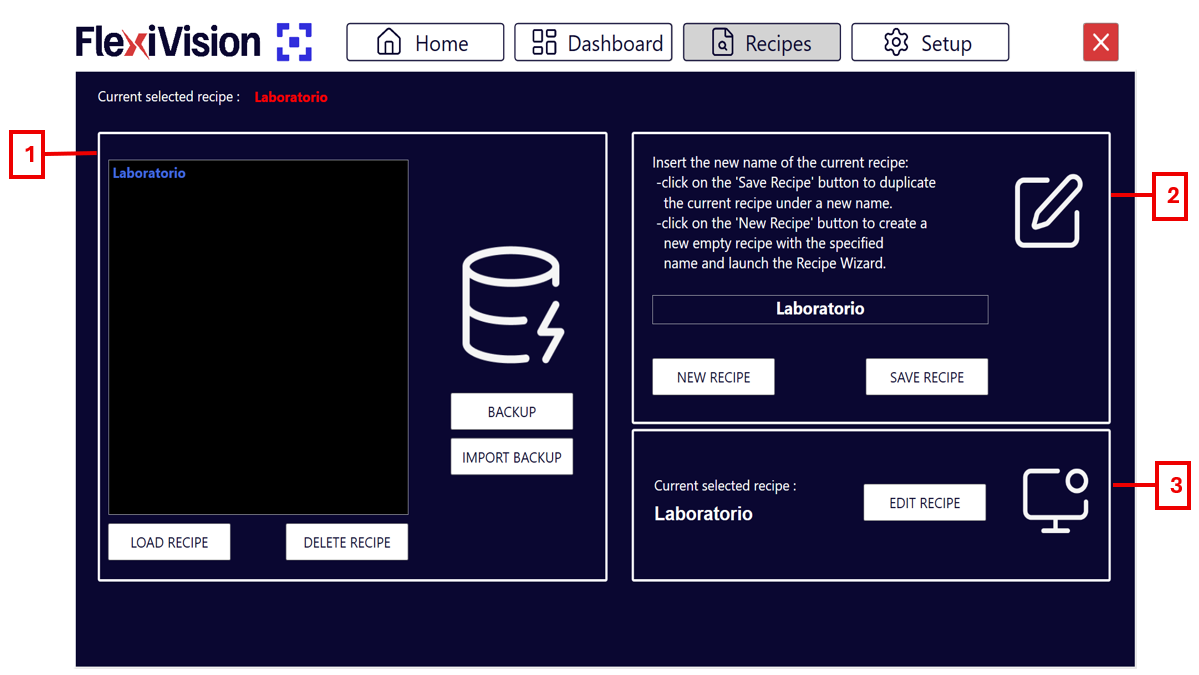
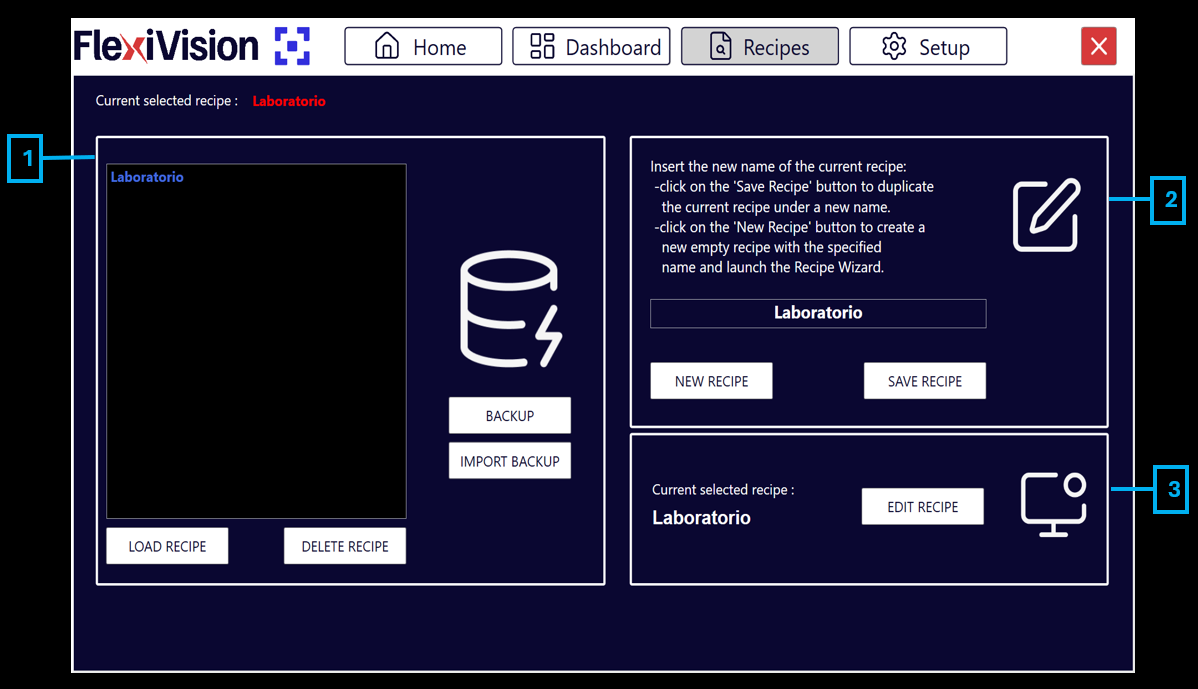
Recipe Database Management

  • Backup: backs up all recipes to a single .xml file, which can be saved in the desired position.

  • Import backup: allows the import of any backup previously done with FlexiVision One.

  • Load recipe: uploads the recipe selected in the list above to make it operational.

  • Delete recipe: permanently deletes the selected recipe from the list.

2

Creating and Saving

  • New recipe: starts the creation of a new recipe. After choosing the name and the FlexiBowl® we are working with, the model creation menu opens directly.

    Note

    The recipe must then be saved by clicking Save.

  • Save recipe: saves the current recipe by overwriting the edited parameters or creates a new file if it does not yet exist.

3

Edit recipe

  • Edit recipe: direct button that takes you to the configuration and model creation menu for the currently selected recipe.