

Mix Application Overview#
This section introduces the concept of a Mix Application in FlexiVision One, explaining how it differs from a standard application and how to configure it correctly for recipes and models.
What is a Mix Application?#
A Mix Application is an application configuration in which models for completely different components coexist within the same recipe.
In a Mix application, the robot is able to identify and pick several different types of parts in the work area at the same time, without having to change recipes or interrupt the cycle. The vision system identifies each part on the FlexiBowl® and returns the coordinates of the most suitable part to be picked to the robot, regardless of its type.
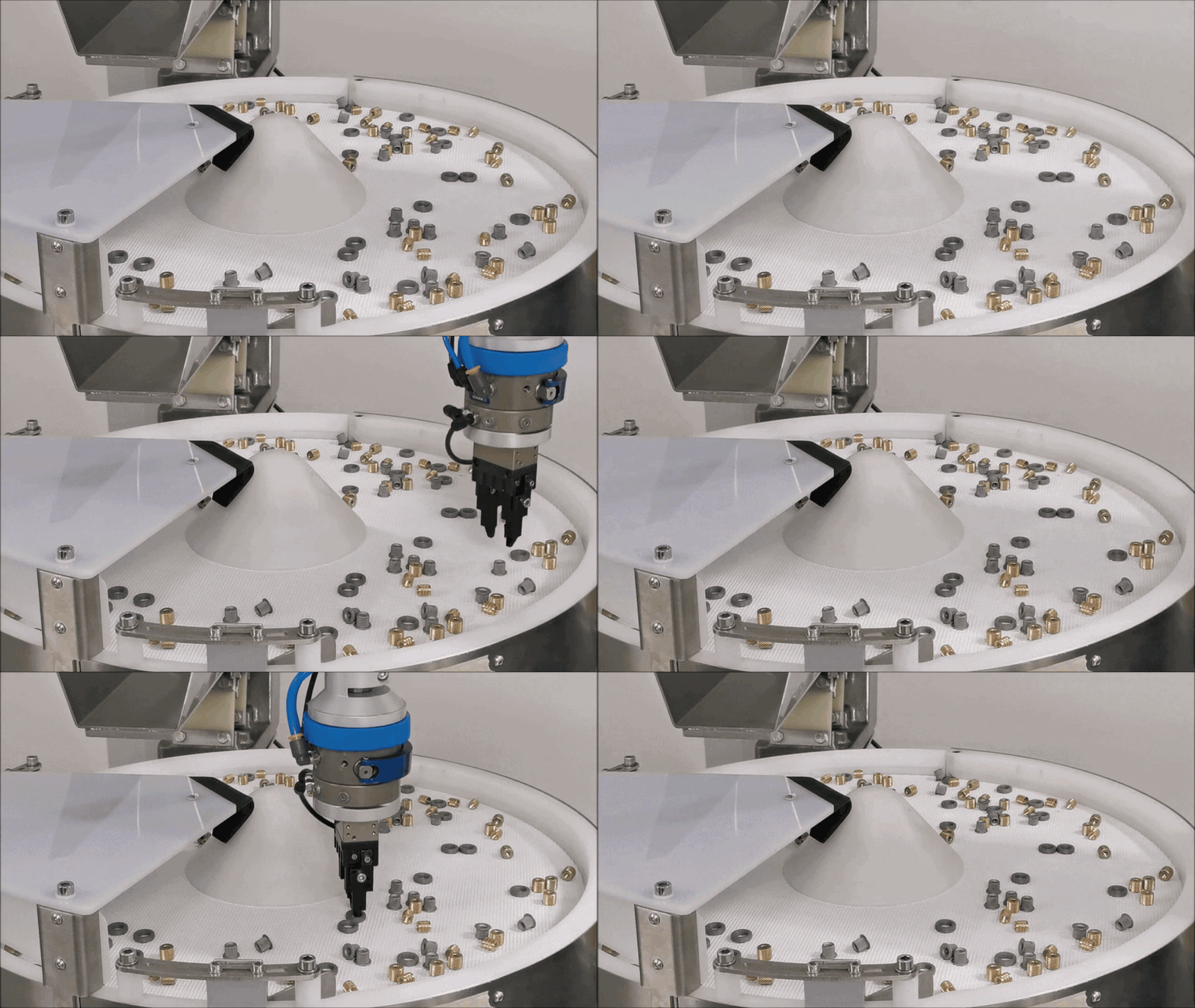
Mix Application Example
Tip
Typical example: there can be screws, nuts and washers on the FlexiBowl® at the same time. The robot picks any identified part, optimising throughput without interruptions.
Standard Application vs. Mix Application#
Feature |
Standard Application |
Mix Application |
|---|---|---|
Types of parts |
Only one type of part |
Several completely different types of parts |
Models in the recipe |
All models refer to the same component |
The models can also refer to distinct components |
Robot behaviour |
It always picks the same part even in different positions (creating multiple models) |
It picks any identified part, regardless of the type |
Software configuration |
No difference with respect to Mix mode |
No difference with respect to Standard mode |
Mode selection |
Not required: it depends on the models included in the recipe |
Not required: it depends on the models included in the recipe |
Robot commands |
Family |
Family |
Note
Regarding the software, there is no explicit choice between Standard and Mix mode: the distinction is determined exclusively by the content of the recipe. If all the models present refer to the same part (or its different faces), it is a Standard application. If the models refer to different parts, it is automatically a Mix application.
How do you create a Mix recipe?#
The process of creating a Mix recipe is identical to that of a Standard recipe. No prior option needs to be selected. You can then follow the procedure of Creating Recipes and Models - Overview
The difference appears at the model creation phase:
In a Standard application, all models entered in the recipe represent the same component (e.g. face A, face B, face C of the same part).
In a Mix application, the inserted models represent completely different components (e.g: Part A, Part B, Part C - three separate components with different geometries).
Important
Each model within a Mix recipe must be trained separately with its own physical reference part, following the standard procedure described in Creating a New Model. The clearances and robot pick coordinates must be individually calibrated for each component.
Next steps#
Once the concept of Mix Application has been understood and the recipe has been configured with the models of the different components, the next step is to adapt the robot commands required to operate in Mix mode: